
LupinScript
PO and invoice matching
LupinScript can capture supplier invoices, extract key information and compare it with purchase-order and available receiving data.
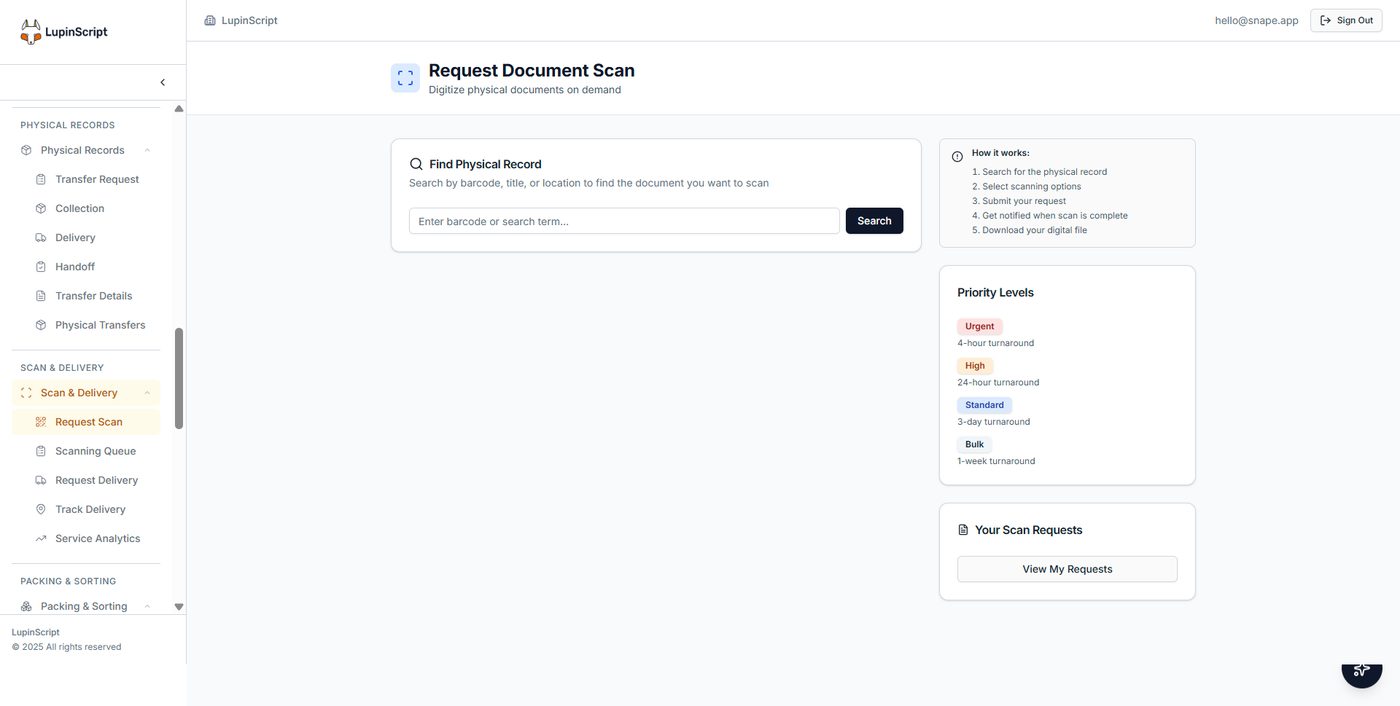
Actual LupinScript interface. Sample configuration shown for product illustration.
The operating outcome
Help accounts-payable teams focus on exceptions while keeping invoice documents and approval evidence governed.
Invoice capture
Receive invoices through agreed digital intake channels.
OCR extraction
Extract supplier, invoice, total and line information for validation.
PO comparison
Compare invoices with purchase-order data from the procurement environment.
Receiving evidence
Include available goods-received or service-confirmation data where required.
Exception review
Route mismatches and low-confidence fields to authorised reviewers.
Approval evidence
Retain the document and the history behind the decision.
How the workflow fits together
A clear path from intake to accountable outcome.
Capture
Receive and extract invoice information.
Compare
Match it against PO and receiving data.
Review
Route exceptions for accountable resolution.
Approve
Send the verified outcome to the finance process.
Buyer questions
What organisations ask before discovery.
The answers below describe verified platform direction. Final architecture, integrations and implementation scope are confirmed against your environment.
Which Lupin product supports PO matching?
LupinScript supports document capture and the invoice-matching use case. LycanBill focuses on billing, subscribers and revenue operations.
What information must be available?
Matching requires invoice and purchase-order data. A three-way process also requires goods-received or service-confirmation evidence from the relevant system.
What happens when information does not match?
Exceptions are routed to authorised reviewers according to agreed tolerances and responsibilities rather than being silently accepted.
Does OCR remove the need for review?
No. Low-confidence extraction, incomplete documents and matching exceptions require human validation.
Can it connect to our finance system?
Integration depends on the systems, interfaces and data available in your environment. Discovery confirms the required mappings, security controls and ownership before implementation.
Related solutions
Continue shaping the operating picture.
Talk to the Lupin team
Bring us the process you need to improve.
We’ll map the people, information, systems and controls involved, then shape the right Lupin solution around them.