
LupinScript
Legal case files and matter document management
LupinScript gives legal teams governed matter files, document workflows, search, access controls, retention and legal holds.
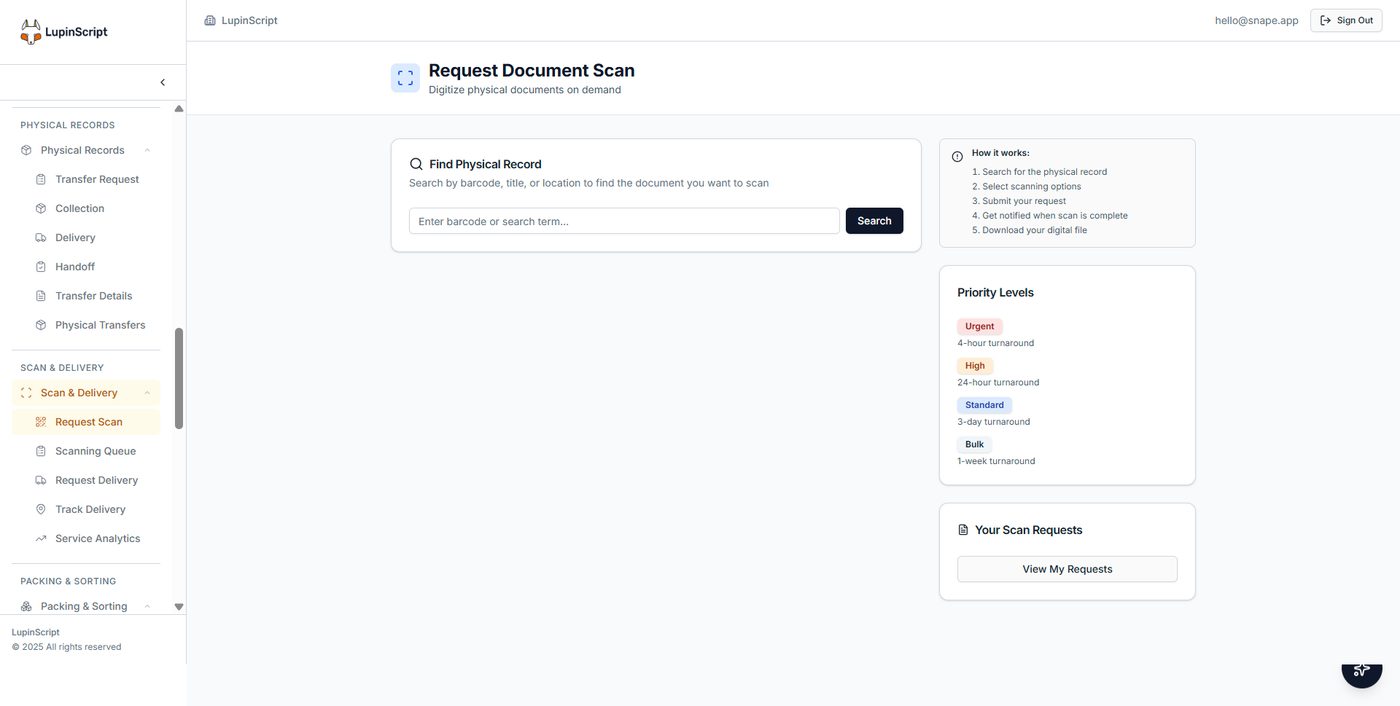
Actual LupinScript interface. Sample configuration shown for product illustration.
The operating outcome
Protect matter information while helping authorised teams find documents, preserve evidence and follow controlled review processes.
Matter files
Organise electronic and physical case records around the legal matter.
Controlled access
Restrict sensitive information to authorised roles and teams.
OCR and search
Capture and retrieve pleadings, correspondence and supporting evidence.
Version history
Maintain traceability as documents change.
Legal holds
Preserve relevant information from normal disposal.
Approvals and signatures
Govern document review and execution workflows.
How the workflow fits together
A clear path from intake to accountable outcome.
Open
Create the governed matter-file structure.
Capture
Add correspondence, evidence and working documents.
Collaborate
Review through permissioned workflows.
Retain
Apply holds and lifecycle controls.
Buyer questions
What organisations ask before discovery.
The answers below describe verified platform direction. Final architecture, integrations and implementation scope are confirmed against your environment.
Is LupinScript a complete legal practice management system?
LupinScript provides governed case files and information controls. Court diaries, time recording, billing and trust accounting require discovery and may connect to specialist systems.
Can access be restricted by matter?
Access can be designed around legal roles, teams and information sensitivity. The exact permission model is confirmed during discovery.
Can the system preserve documents for litigation?
LupinScript includes legal-hold capabilities that can preserve relevant records from normal disposal.
Can paper case files be included?
Yes. Physical files can be registered and tracked while selected content is scanned, OCR-processed and linked to the governed matter.
Related solutions
Continue shaping the operating picture.
Talk to the Lupin team
Bring us the process you need to improve.
We’ll map the people, information, systems and controls involved, then shape the right Lupin solution around them.